NOUVEAU : Casque QuietComfort (2e génération). Acheter maintenant
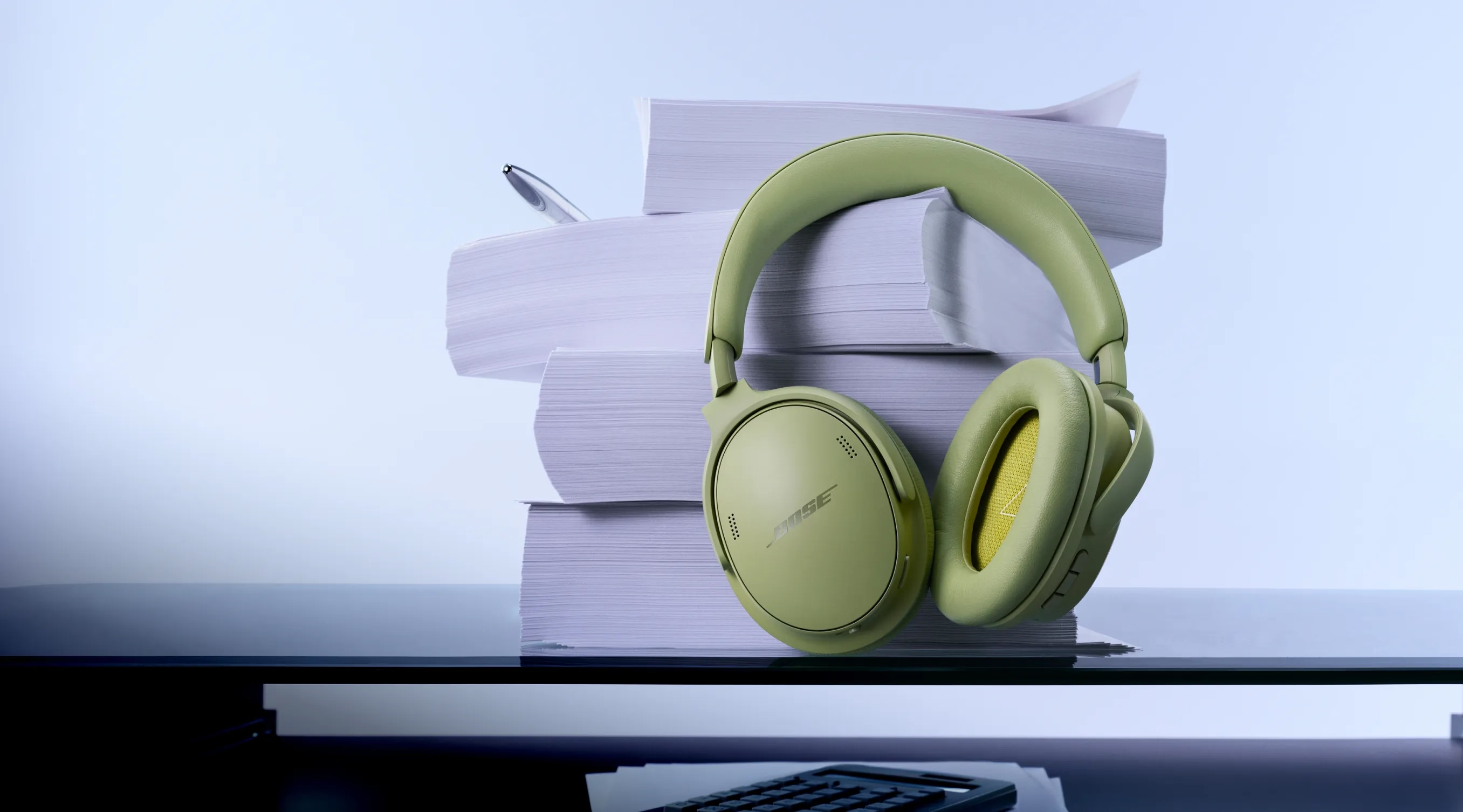
NOUVEAUTÉ
Silencieux. Élégant. Légendaire.
Casque QuietComfort (2e génération). Un design emblématique revisité. Une réduction de bruit légendaire.
Produits Présentés
-
Couleur : Noir
-
-
Couleur : Gris Lunaire
-


Produit remis à neuf en promo
Économisez sur des produits Bose comme neufs pendant une période limitée.
NOUVEAU COLORIS
Faites le plein d’énergie avec une nouvelle nuance
Des teintes fraîches. Un son frais. Enceinte SoundLink Flex (2e génération) en édition limitée menthe fraîche.
NOUVEAU COLORIS
Vos racines, c’est le style.
Offrez-vous une riche nuance florale. Écouteurs QuietComfort en édition limitée mauve rosé.
Bose Automotive
Adeptes du pouvoir du son
Pourquoi choisir Bose
-
Politique de retour de 30 jours
Essayez-le pendant 30 jours pour vous assurer qu’il s’agit bien du produit qu’il vous faut.
-
Un service client de classe internationale
Une assistance technique gratuite est disponible pour tous les produits Bose (même les modèles anciens ou retirés de la vente).
-
Livraison offerte
Pour toutes les commandes en stock de 49 € ou plus.
-
Les avantages Mon Bose
Les membres Mon Bose bénéficient d’offres exclusives, d’expériences uniques et bien plus encore.
Rappel important concernant certains modules de basses Acoustimass, Lifestyle et Companion fabriqués avant le 1er avril 2006.
Product Added to cart Extended warranty modal
Protégez votre Bose avec un programme d’extension de garantie.
